And well done tracing and discovering the offending parameter yourself.
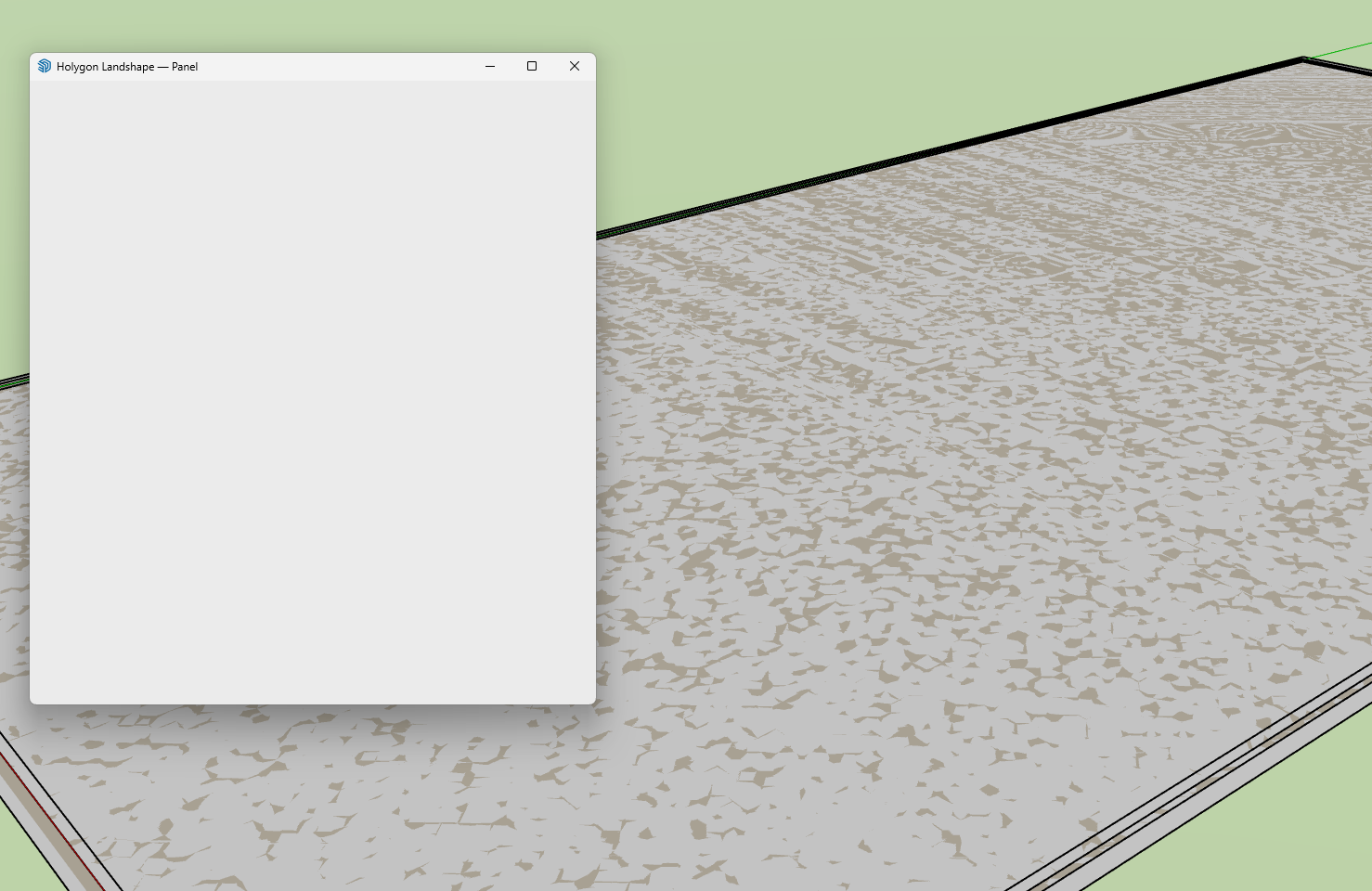
Yes, correct. As you discovered, there is an issue in Landshape 0.13 which prevents the Landshape Panel from showing its contents when Sketchup’s Length unit is set to a fairly small unit, e.g. Millimetres.
As a temporary workaround, open Sketchup’s Model Info dialog, and here set your Measurement Units to e.g. Metres or Feet. This should make Landshape’s Panel should work as intended.
A fix will be included in next release, Landshape 0.14.
Landshape 0.14 is targeted for release in June 2026.
Yes it seemed that it preferred metres, but it was no bother to change - I shouldn’t really be using millimetres for site plans anyway, it just helped to plonk the proposed build on there!