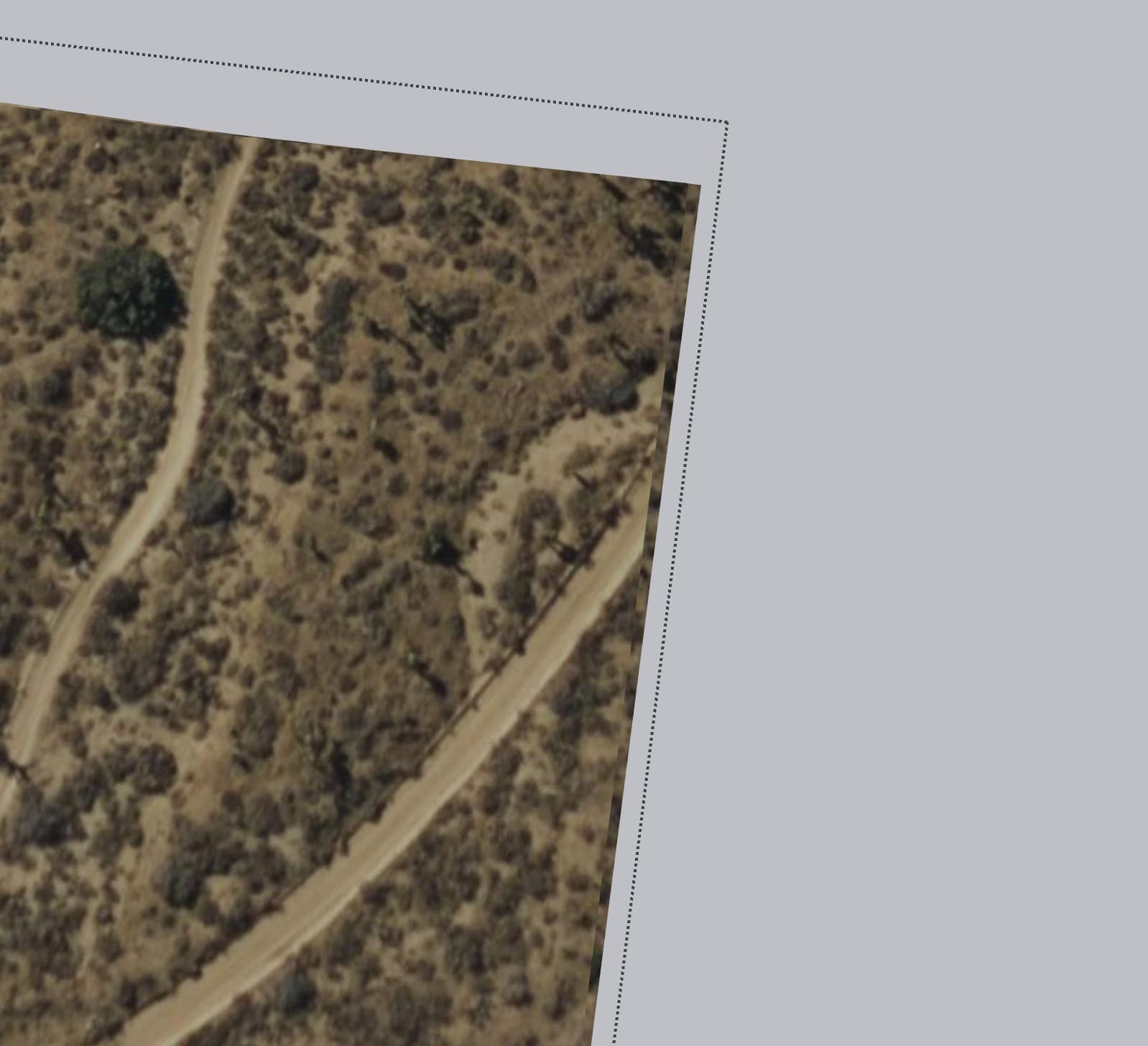
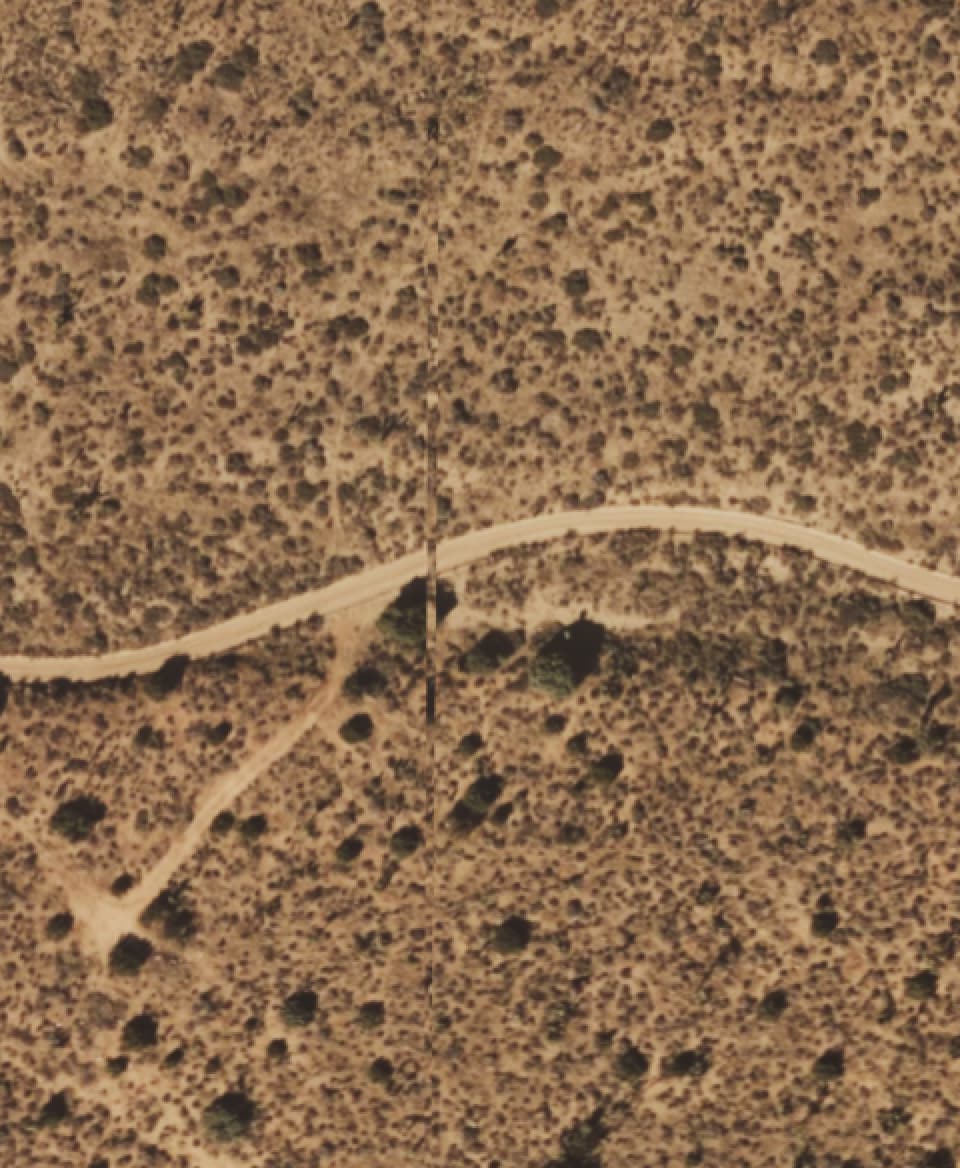
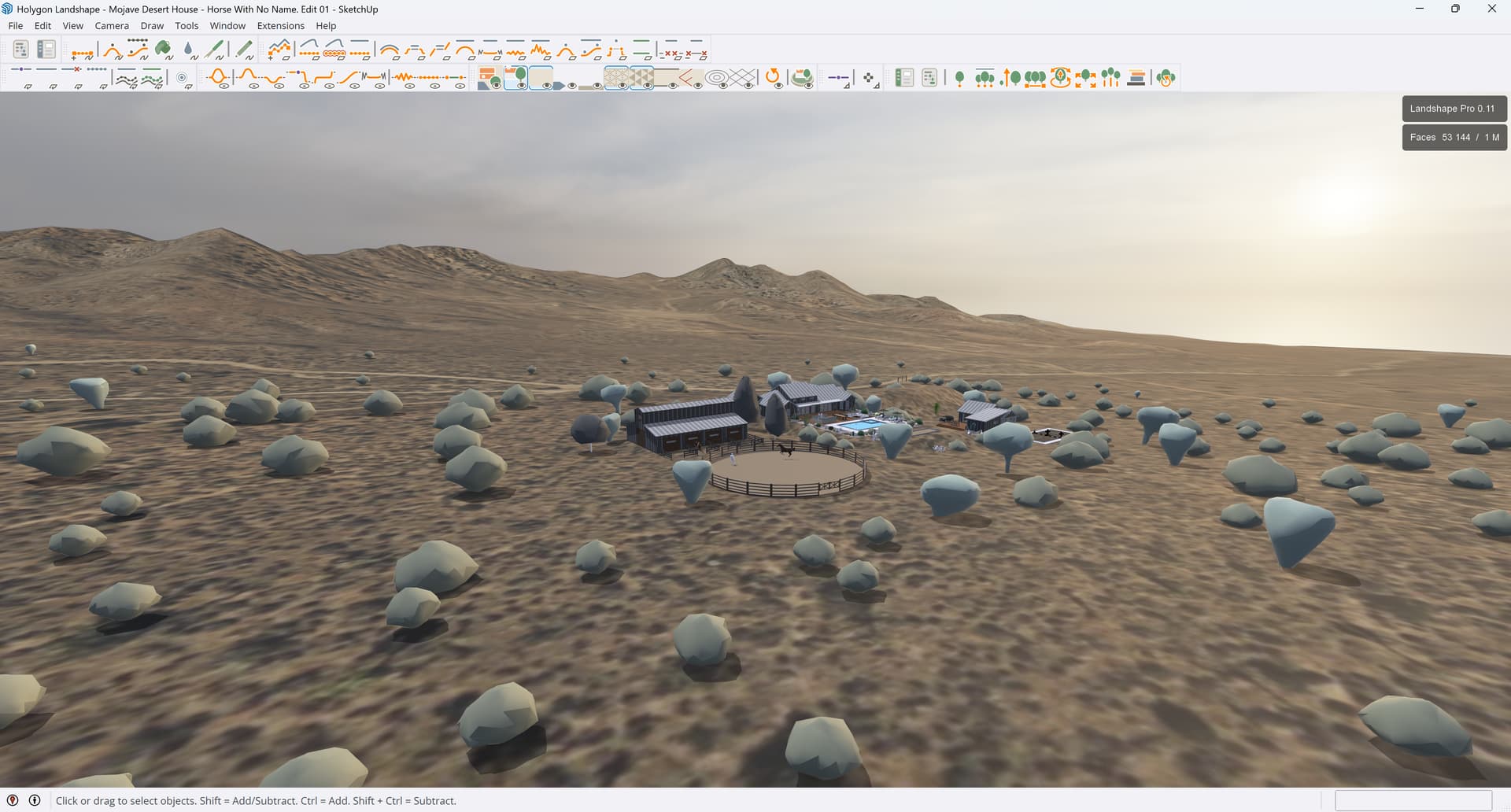
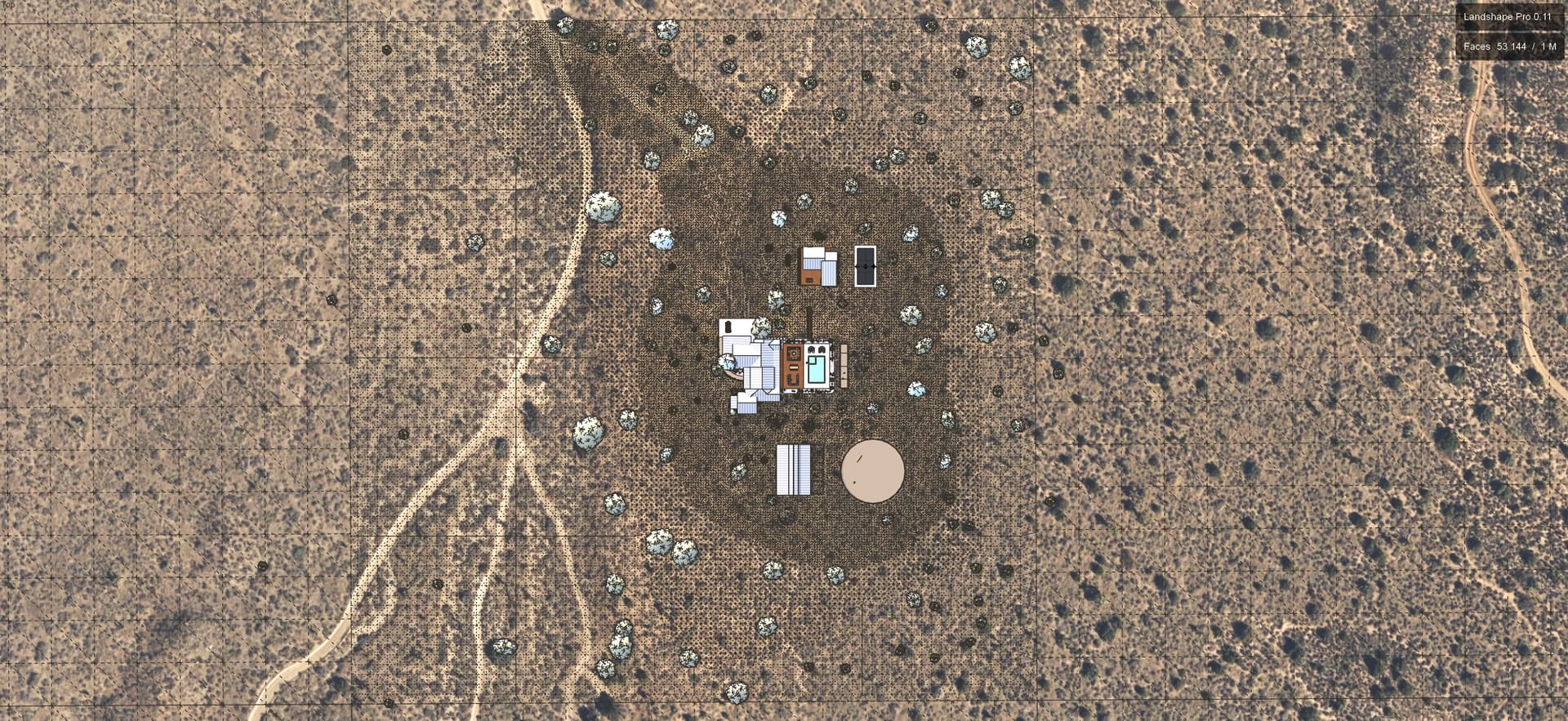
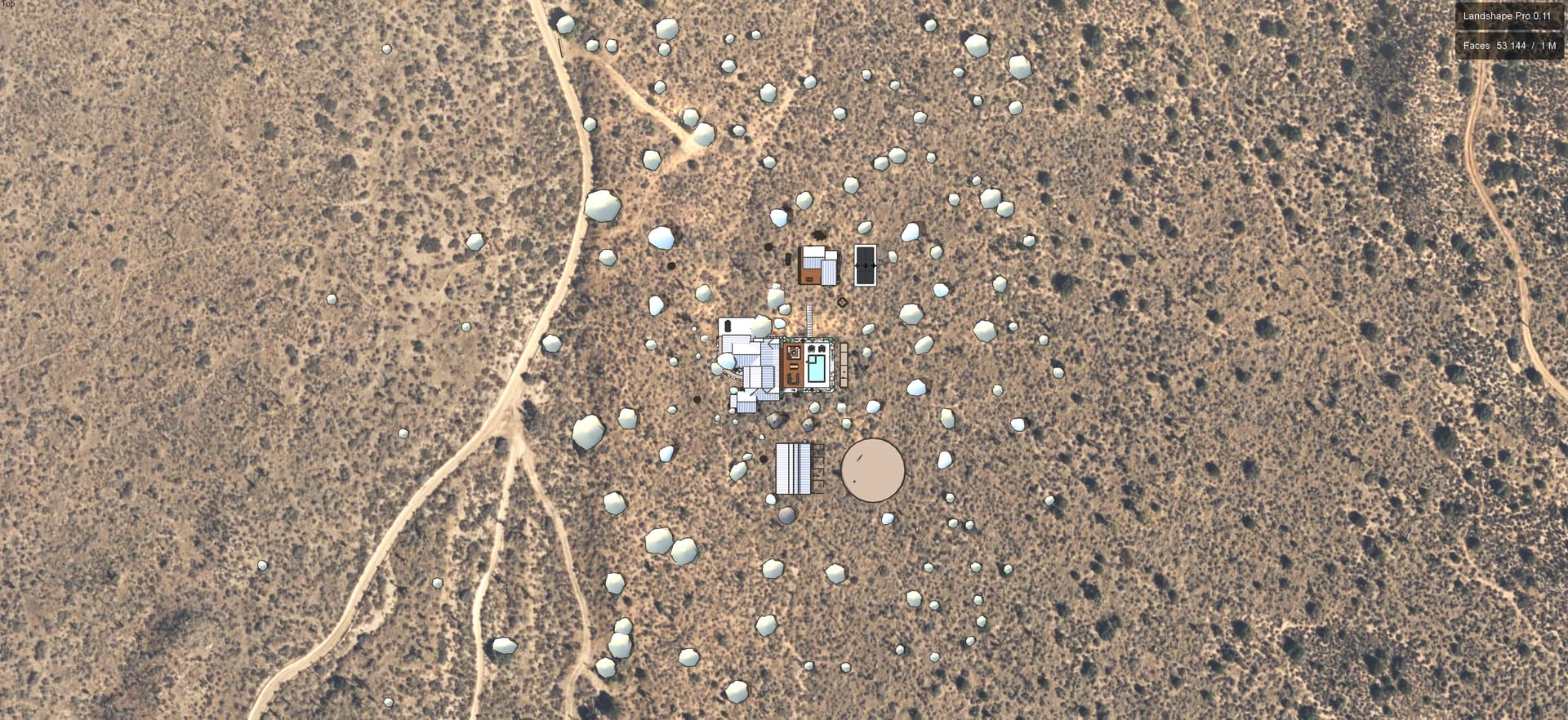
I’m having an issue where my terrain in Landshape (SketchUp 2025) keeps showing a pixelated, blocky edge/rim around the boundary, which appears after I apply an image texture/material to the terrain (I’m using the google earth imagery).
The pixelated border wasn’t happening before - I believe started after I used “Fence Terrain Edges” while trying to delete a road I created, so I’m wondering if that’s the issue. I’ve tried EVERYTHING to fix this because this project is due on Monday. Here is a list of what I’ve tried without success:
Clicking “Unfence Terrain Edges"
Deleting and re-importing a brand new terrain (about 20-30 times)
Rebuilding from a clean import — the same edge artifacts appear
Resetting the Landshape Prop settings to default
Restarting Sketchup, and starting with a fresh new model
Uninstalling and reinstalling the extension
Creating area filters of different sizes (because the border of the pink filter box when running Form seems to align with the pixelated border)
I need the edge to be gone because this terrain clip will be sitting inside the larger terrain of a 640 acre parcel imported from google earth, and it can’t have a boundary because I’m making a fly-through video of the entire parcel. Maybe there is a workaround to hide it, but I have no idea how. It appears clearly on my Enscape rendering and ruins the entire project.
I watched all the videos on Landshape and read all of the learning materials, but there is zero information about Fencing and Unfencing Terrain (the document is blank).
Yes, you have found the right place. Team Holygon is happy to help you.
Yes, Landshape supports perfectly matching your Landshape terrain material with any source material. This includes source texture orientation and scale, as well as multiple materials.
This issue should be easy to fix, once you understand the basic principles behind Zone and Embed.
To fix your particular issue, please share your model file with me. Your model file needs to include any source texture that you want to use.
In case you don’t wish to share your model publicly, please send me a private message with a download link.
Once we have solved the issue for you, I will send the fixed model back to you, and share the solution method here.
Hi Felix! I have been emailing you all weekend and haven’t gotten a response. I’m desperate to get a solve for the pixelated border issue. Can you please let me know if you’ve received my emails? Thank you!
EDIT: I just realized you said to DM you with the link… my emails must have been going nowhere. Will do that now!
I have sent you an email with a download link to the fixed model, plus a guiding text on how to rectify the issue should it occur, and, even better, how to avoid it.