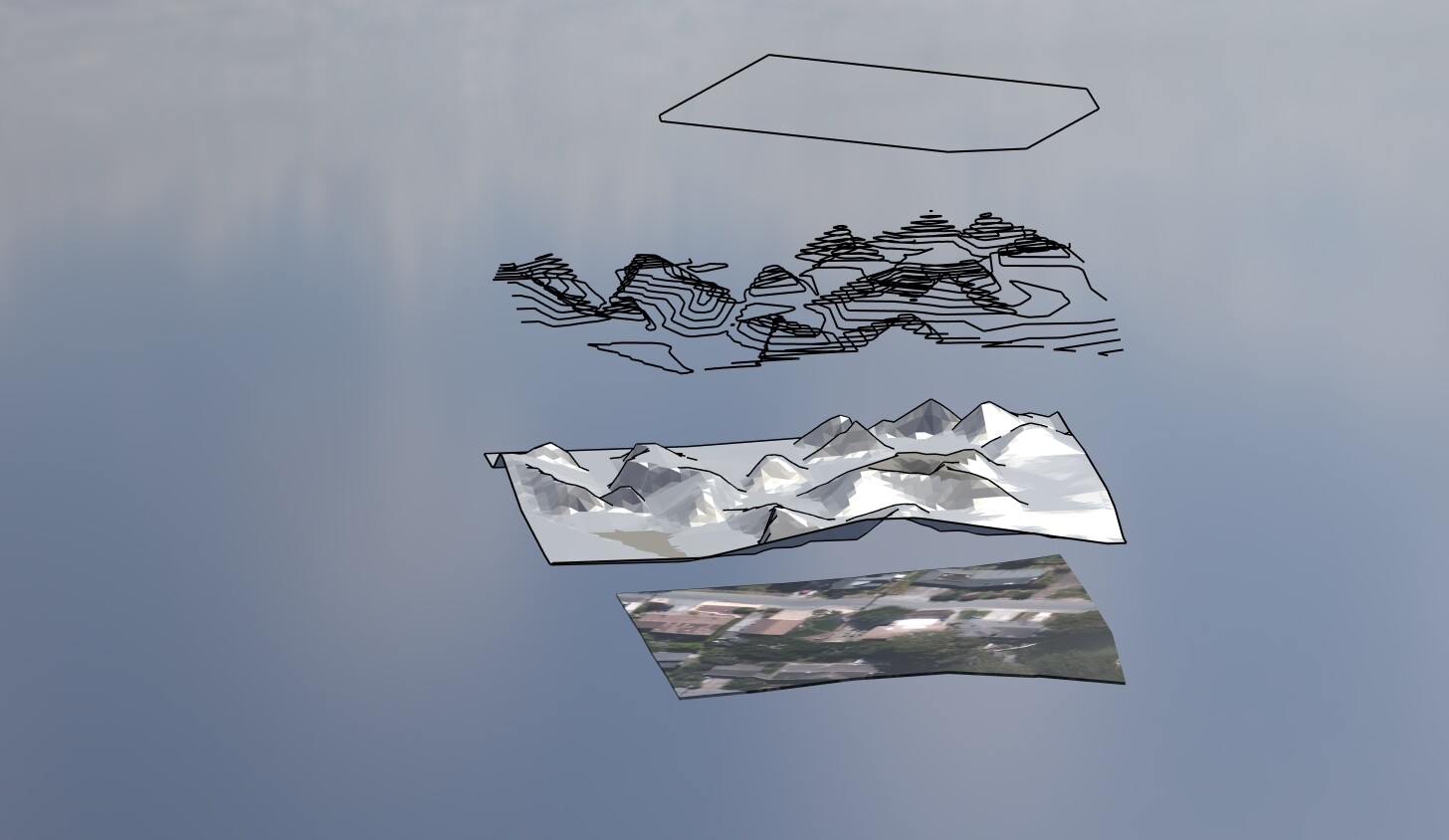
Hello Felix and everyone. These are excellent videos. I’m brand new to Landshape, and I’m excited about all the possibilities I see. I have been running into a problem with creating terrain using “Form” on Add Location terrain meshes. The first few times I tried it it worked beautifully. But now I seem to always come up with a Landshape terrain that contains many pronounced rises and sinks (or mounds and depressions?) that should not be there, because they are not in the input Add Location terrain that I’m starting with. I would love some help with this from someone. Thank you so much in advance.
Perhaps I can attach an example of this problem.
First let me say what a fantastic plugin you have created! Even though we don’t do terrain modeling all that often this is a life saver for the times that we do.
Having said that it requires some upfront learning to understand how it works. I mostly learned from your videos which are a lot of help!
Just a small suggestion that would make learning easier and faster:
please add chapters to your YouTube videos with the names of the tools.
I found myself often wondering how this or other tool from the toolbar works, and to be honest, the manual is just TL;DR. I think we learn much faster from videos.
It would also be nice to create videos for the rest of the tools in the toolset. This way you could link the every tool in your manual to the appropriate chapter in your YouTube videos.
Oh btw. the links between tools in your manual don’t seem to work (eg. stitch command on the Flip Jagged Diagonals page. It would also be nice if manual had search function.